 Touch RPN Android: LCD, clipboard and layout
Touch RPN Android: LCD, clipboard and layout
Touch RPN Android: LCD, clipboard and layout
Versão em português desta página? Clique aqui.
The LCD area accepts a number of gestures.
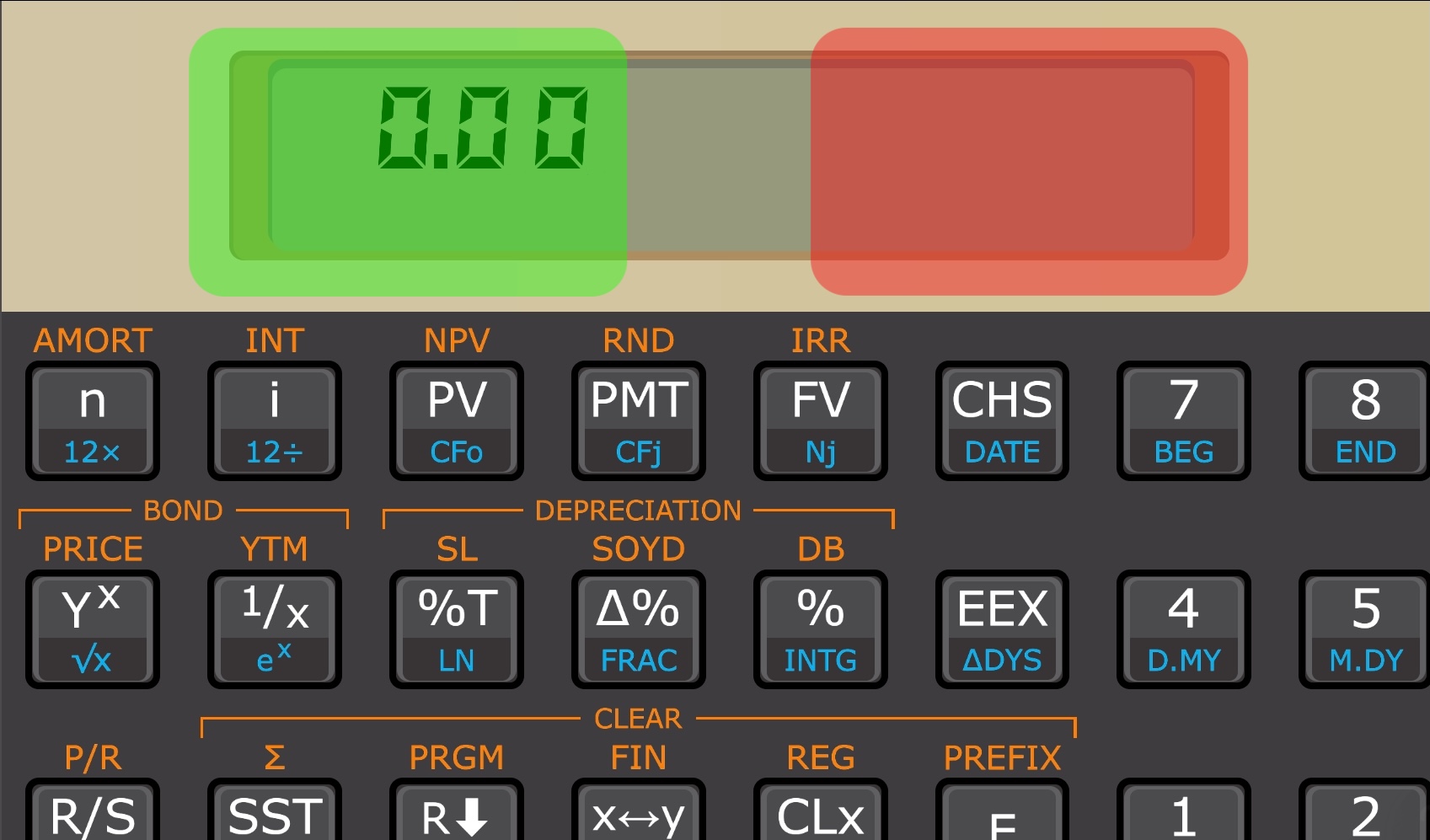
Right side, quick touch: copy the displayed value (the X register) to the clipboard. The LCD blinks once briefly.
Right side, long press: paste a number from the clipboard into the X register. The LCD blinks slowly once when the paste-in was successful, or blinks twice if it didn't work.
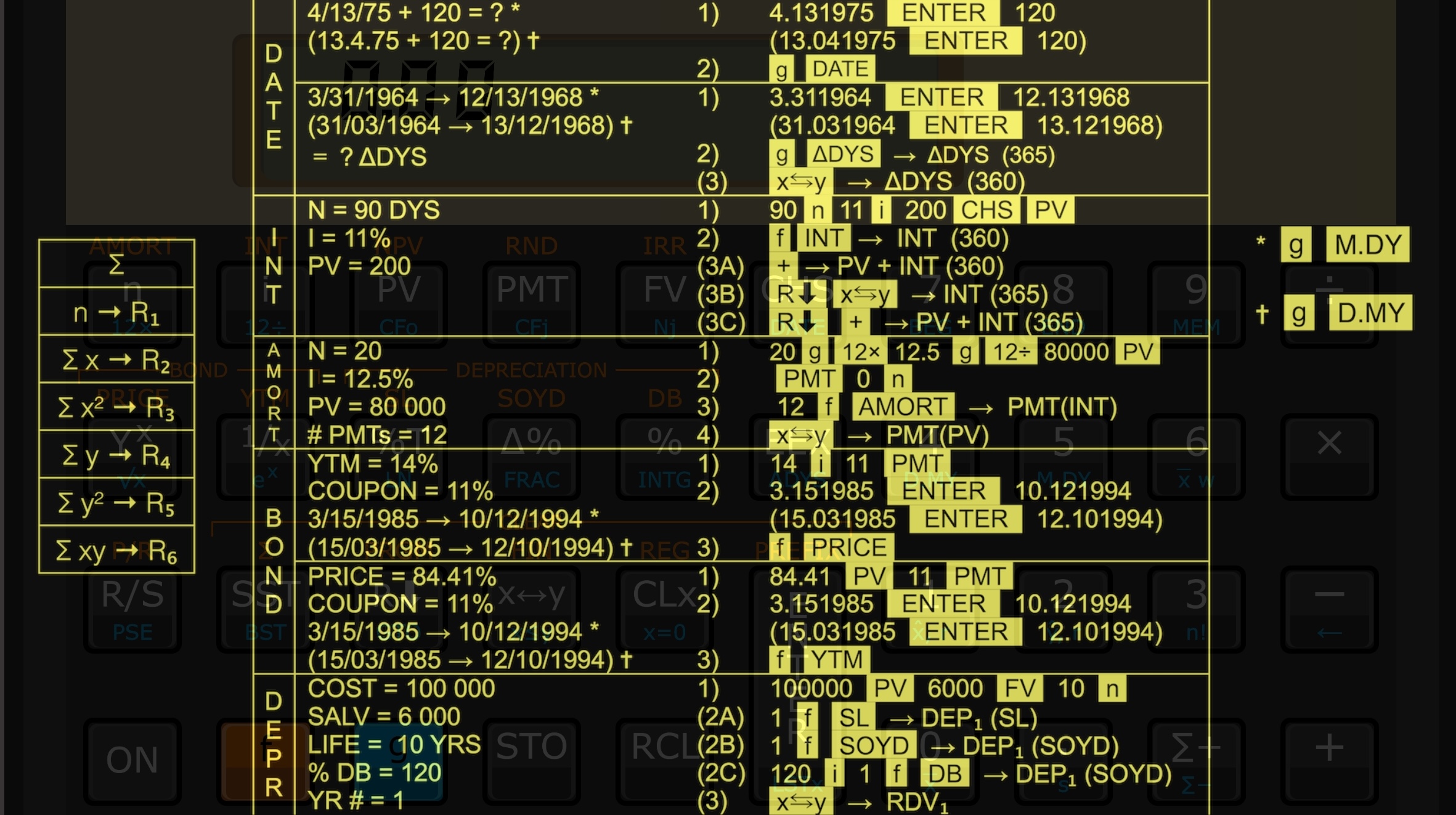
Left side, quick touch: show the calculator backside. It is a quick guide with some information about mathematical operations.
Left side, long press: open the Color Editor.
The value is copied to Clipboard with the configured decimal separator, and no thousand separators.
When pasting in a value, the thousand separators are ignored, and the decimal separator must be the one configured in your device's Language settings.
If the clipboard contents cannot be interpreted as a number, paste-in won't work. This is signalled by blinking the LCD twice.
The vertical or portrait layout can be more practical if you like to use your phone in portrait orientation. If you don't like, you can go to Settings and lock orientation to Landscape.
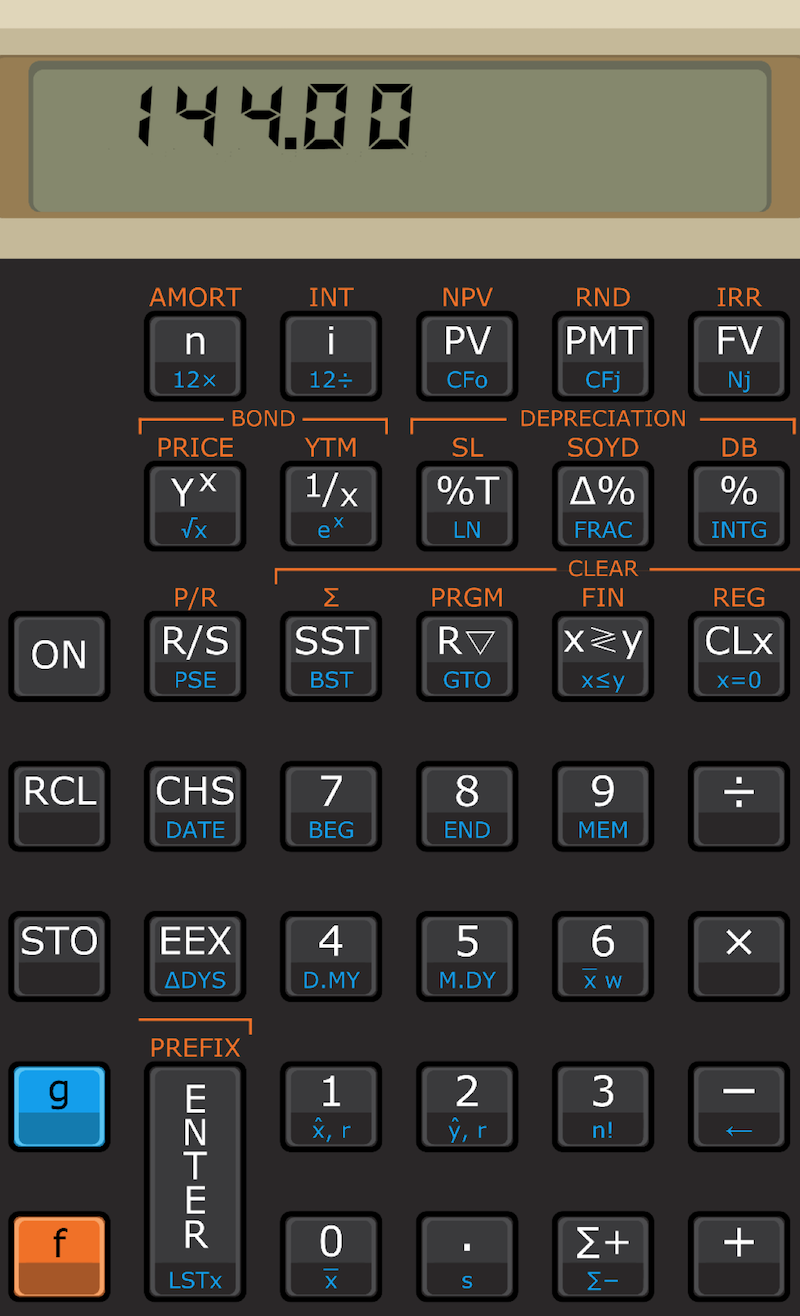
The app adapts to many screen sizes, and the layout adapts automatically to the aspect of the available space. The app should work correctly in tablets that support windowed and split-screen mode.