 Touch RPN: version 7.00 and beyond
Touch RPN: version 7.00 and beyond
Touch RPN: version 7.00 and beyond

In the next few weeks, users of our app Touch RPN will receive updates with version 7.00. As the whole version number suggests, this update brings major improvements. The distribution will happen for both supported platforms: iOS and Android.
Most changes have roots in user requests and suggestions. Our user community is solid and collaborative. We try to do our part in the best way possible, keeping the app stable, updated and under constant evolution.
With this update, the app is considerably more adaptable to tablets and other bigger-screen devices. It will work full-screen, split-screen or in a small window.
We have detected an uptick in the number of users who use tablets, Chromebooks and similar devices. This is an important demographic change.
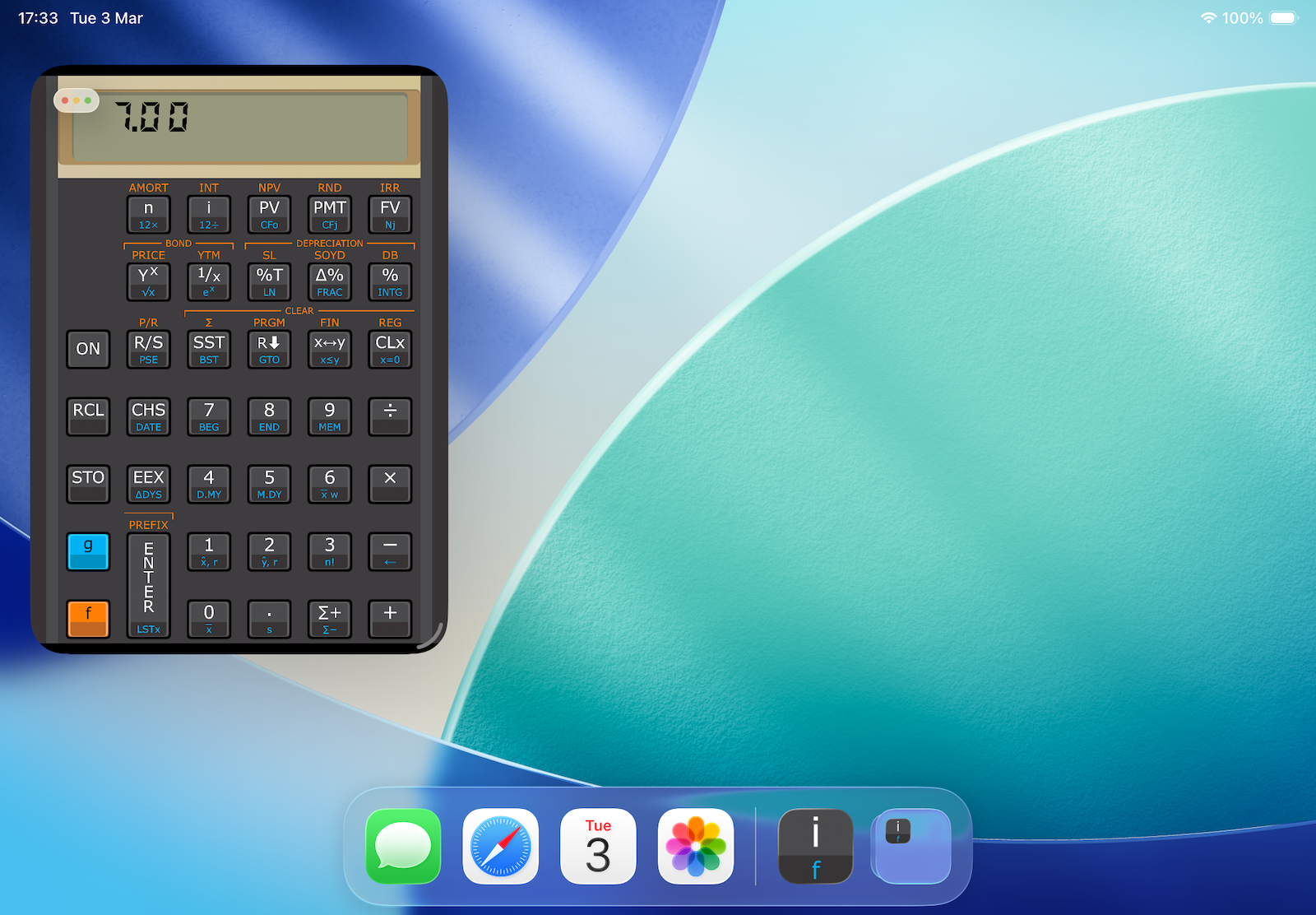
Given that Macs can run iPadOS apps unmodified, now you can run Touch RPN comfortably in your Mac, and the app will have an almost-native appearance and handling. That has also been a frequent request from users that are heavily into the Apple ecosystem.
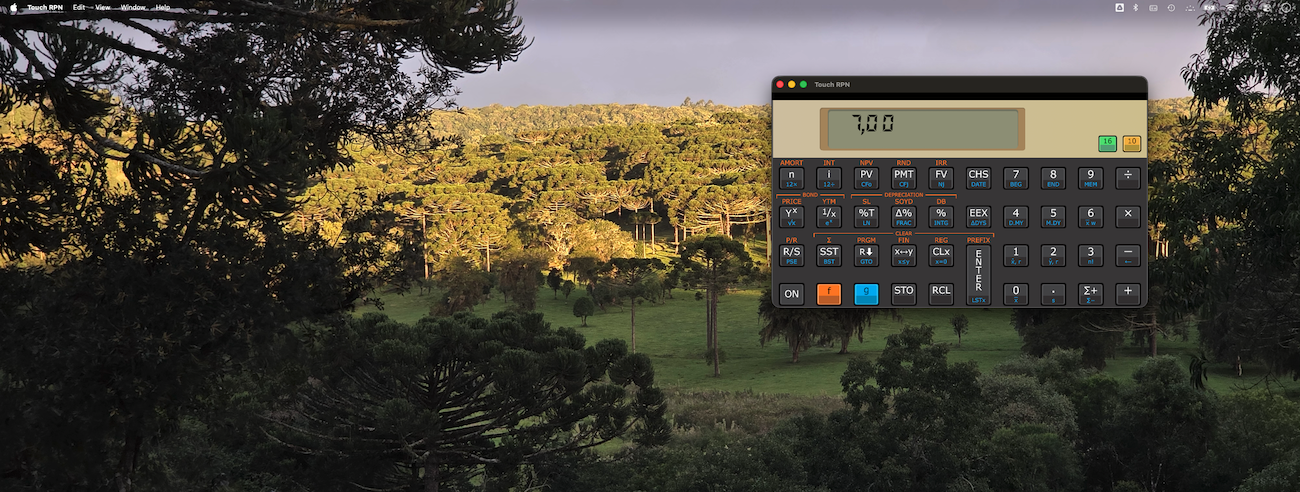
The general appearance of the calculator has suffered minor changes, so the app can adapt to any screen size or aspect.
The "stretching" configuration in Settings, that allows to put the whole screen's real estate to use, still remains. But now it no longer distorts the image. The app elements just move farther apart.
There are two kinds of visual key feedback now: key movement animation (new), or show a semitransparent rectangle over the key (old, existing). You can choose between them, or turn them off altogether in Settings (key ON).
It is worth to mention the app can be operated with the hard keyboard, which may be convenient if you pair a keyboard with your tablet, or if you use a laptop.
Links with more information about app's Settings: iOS and Android.
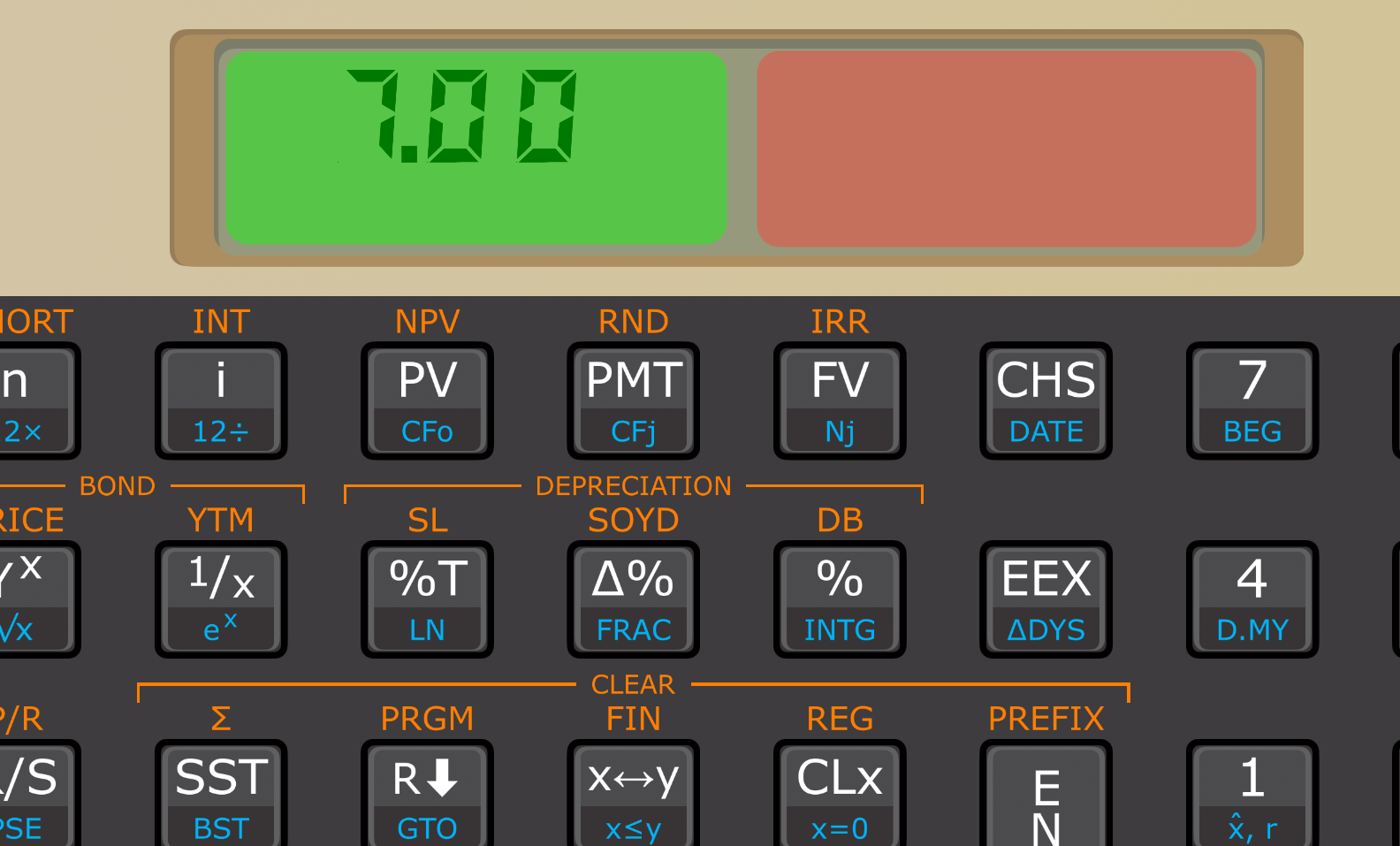
The gestures that can be made on the LCD have been changed:
Links with more info about LCD gestures: iOS and Android.
Paste numbers in has been a longstanding user request, and we finally reached a conclusion on how to implement this ergonomically.
When the current display value is copied to clipboard, the LCD blinks fast as feedback. (The Android system also shows a toast.) When a number is pasted in, the LCD blinks slowly once (success) or twice (failure).
For a number on clipboard to be pasted in successfully, its decimal separator must be coherent with the phone's language settings.
All colors of the main graphical interface can now be changed and tweaked. This feature can be accessed either through an LCD gesture (long press, left side) or through a button in Settings pane.
The colors can be changed for all flavors at once, and/or for a particular flavor.
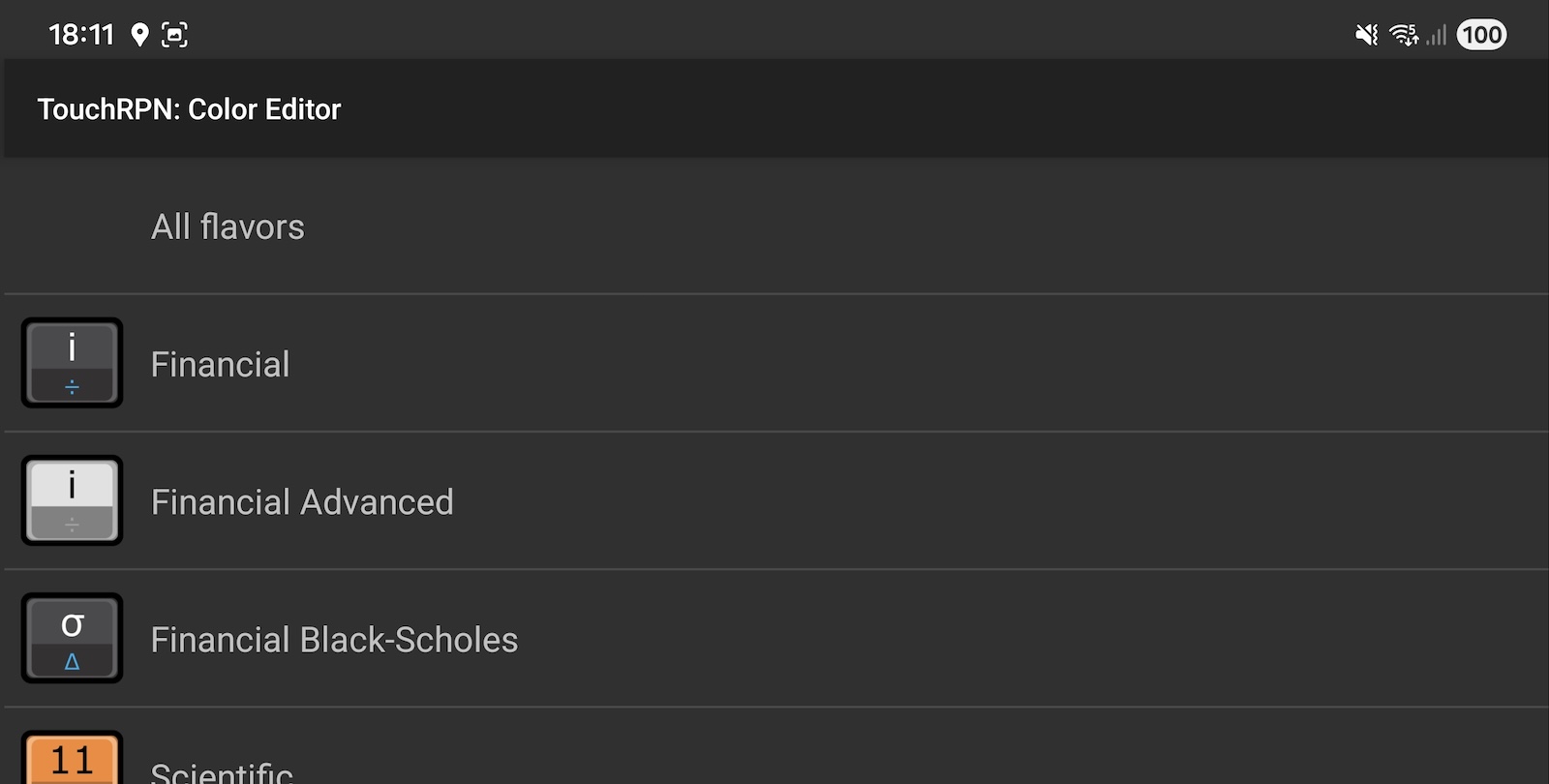
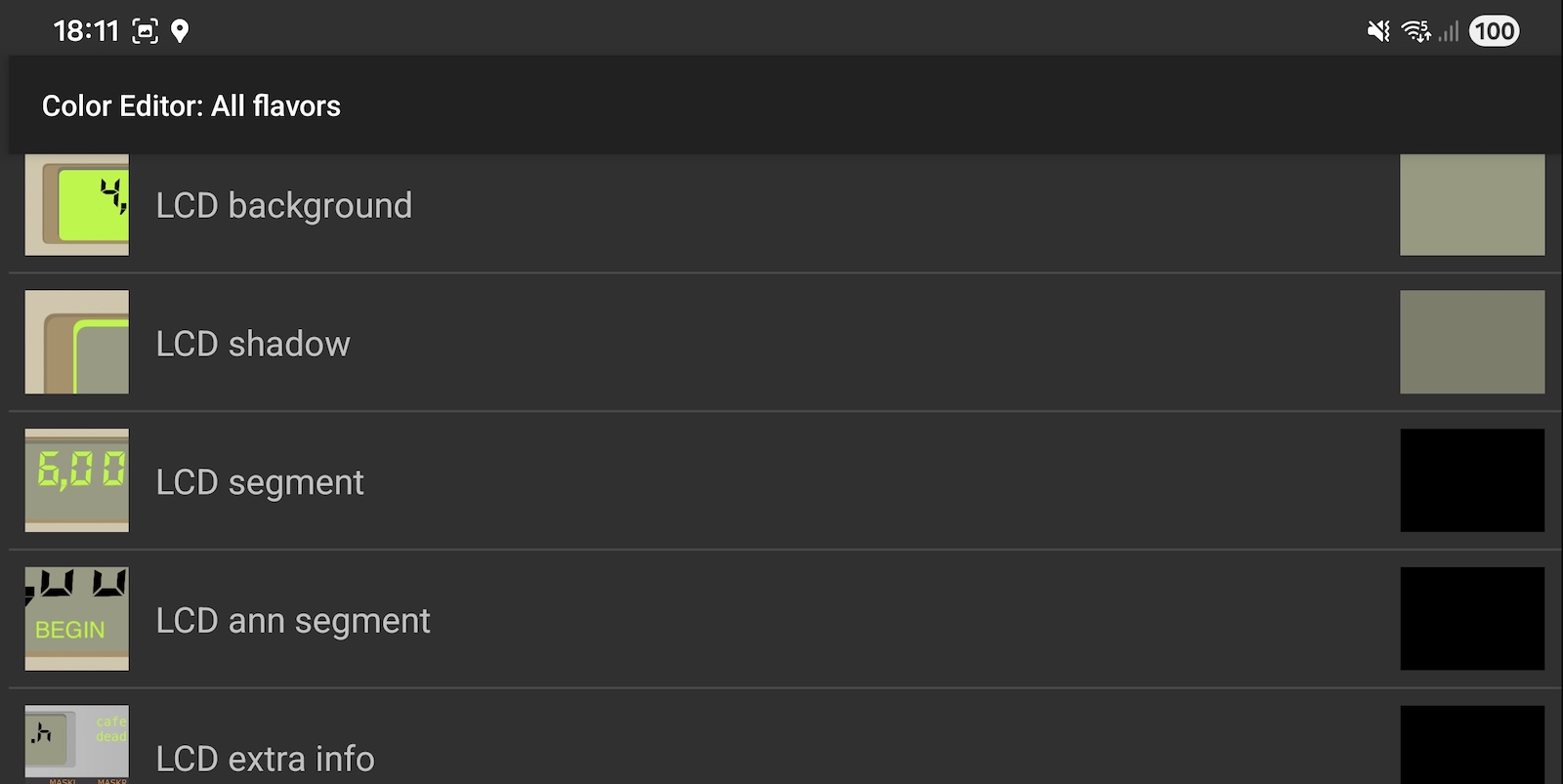
More information can be found in our manual pages: iOS and Android.
Don't forget to take a screenshot and post on Instagram, showing your all-custom color scheme, and tag us with #touchrpn. Perhaps your color scheme is so much better than the original, that we bundle them with the app in the future?
The fast swap buttons still work as usual, but now you can select up to five flavors. Up to four fast-swap buttons can be shown on screen.
Links with more info about fast-swap: iOS and Android.
The Black-Scholes flavor now shows a backside with relevant information about derivatives operations.
In the flavors "Scientific", "Scientific Advanced" and "Computer Programmer", we have fixed how the R/S instruction works inside a program with subroutines. It no longer halts the program irreversibly; it only suspends the execution, which can be resumed by pressing R/S. (Thanks to W. Huysegoms for the bug report.)
If the suspended program has a subroutine return stack, the program annunciator will show the SUS message.
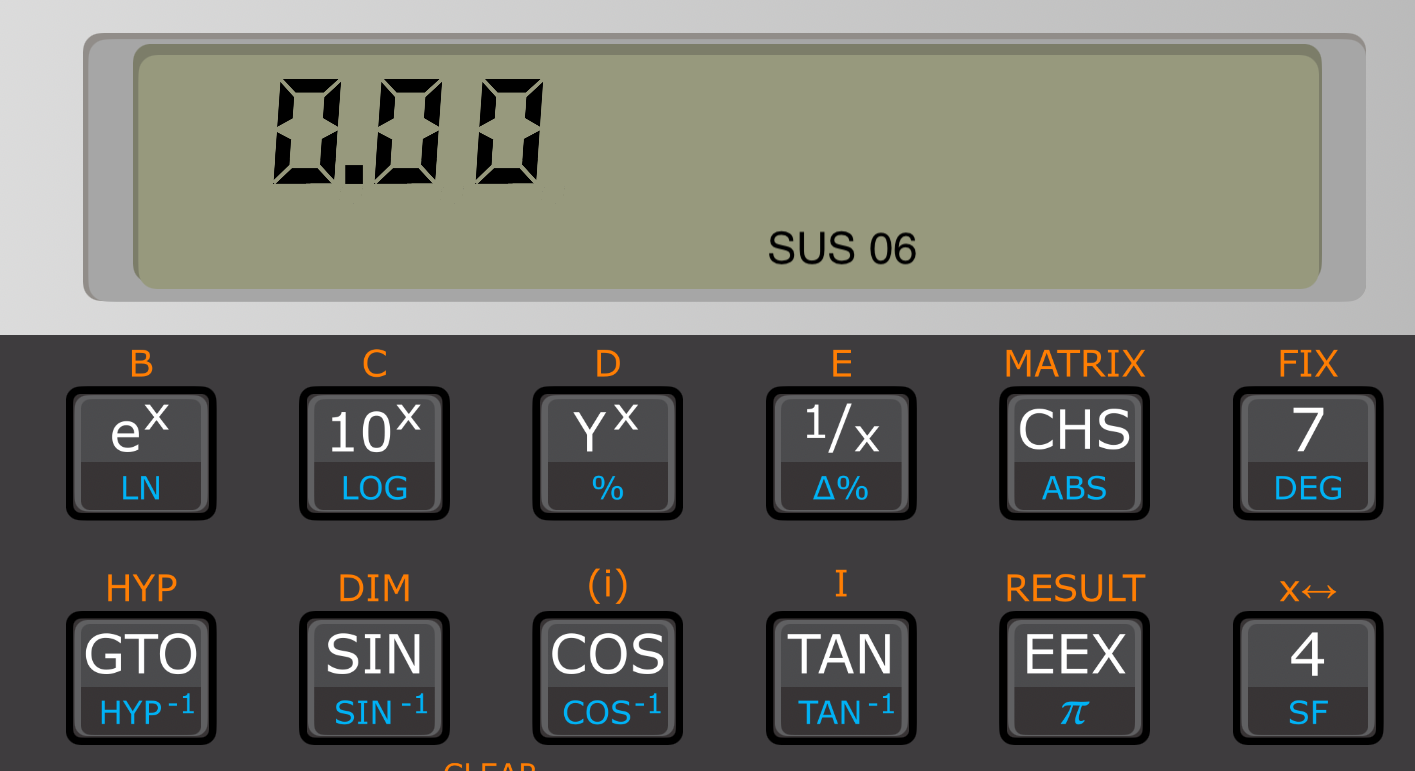
This change is particularly important for the instructions INTEG and SOLVE, since they use subroutines to describe equations (and calculate their integrals and roots). Now you can insert R/S in a subroutine to make it stop at every round, examine the machine state, and resume.
The app package should be considerably smaller for most users, reducing the Internet usage during installation and updates.
This update supports Android 8 or better, or iOS 15.0 or better.
Many new features can only be implemented by dropping support for older platform versions. We constantly monitor our user base to determine which versions of iOS and Android are in use, and carefully execute our update roadmap so almost 100% of our active users stay supported.
We are working on other improvements to be released in future updates.
One major item is saving and sharing the calculator's memory, on iPhone and iPad. The feature already exists but it can only be reached through some key combinations (STO CHS, RCL EEX, etc.) The plan is to make this feature more ostensibly available on the first Settings pane, in the same fashion of Android.
The key ON will change design, probably to the "hamburger" icon ☰ making clear what this key actually does in our app: open the Settings pane.
The Android app will be reformulated in order to support the latest platform version (Android 16, SDK 36). This has impacts on appearance, and perhaps on support for older platform versions, that we are still evaluating.